Fire safety
Forklift Fire
Understand lithium-ion forklift battery fires in VR: battery design, thermal runaway and fire spread.
The same courses as in our VR headsets, coming to the browser on computers and phones. Nothing to install.
We are bringing our VR training to the browser. The scenario, the voice-over and the tasks stay the same. Only the screen changes: a computer or a phone instead of a headset.
It plays like a game. Your people look around with the mouse or a finger, walk through the warehouse, click on objects and complete each step themselves instead of reading slides.
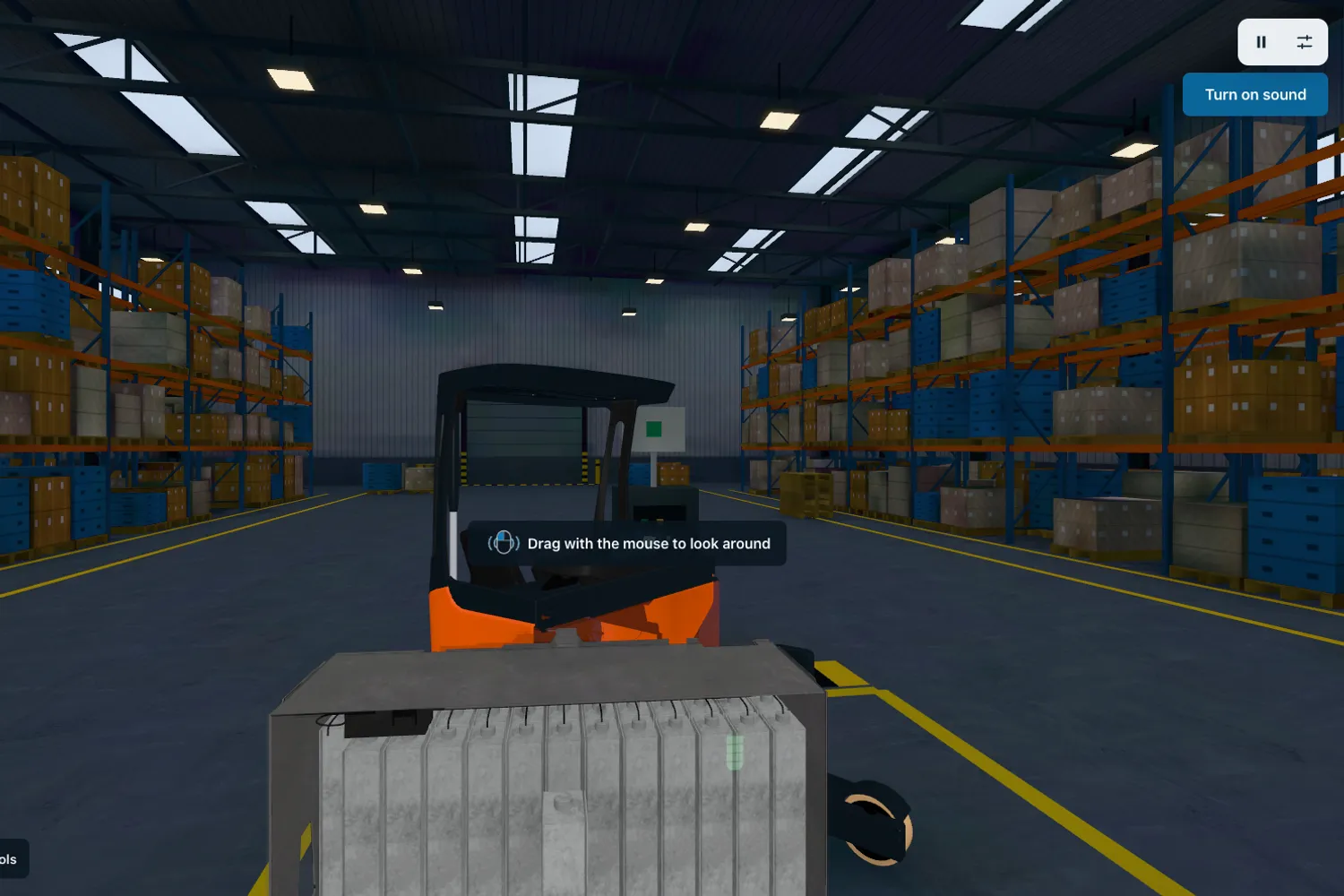
The apps run on modern 3D technology built for browsers, so they load fast, on phones too.
An up-to-date browser is all it takes. There is no app to install.
Train remote workers, people at other sites and anyone who could not get a turn with a headset.
Browser versions come with the same subscription as the VR training, and results go to the same panel.
The first apps already run in the browser and new ones arrive every month. The full catalog will be available in 2027. These courses are in progress:
Understand lithium-ion forklift battery fires in VR: battery design, thermal runaway and fire spread.
Train fire evacuation in VR - alarm response, firefighting, and testing.

A VR simulation guiding users through safe and structured home evacuation during an air-raid alarm.

A realistic air-raid simulation teaching correct alarm response, sheltering, and protective behavior.

A VR simulation of a nuclear explosion, focused on recognizing warning signs and choosing the safest shelter.
Stop dangerous kitchen oil fires in VR - learn safe extinguishing methods.

We send you a headset with all the apps. You test for 5 business days, and we cover shipping both ways.
Get a test headsetInstall in a few minutes and test all the apps for 7 days. No card, no commitment.
Test on my headsets30 minutes online: we show you scenarios for your industry and answer your questions about rollout.
Book a callWant to see prices first? Pricing for business